
Get the App
Kinspire, wherever life happens.
Download the Kinspire app for iOS and Android — or open it right in your browser. Same Dawn, same Family Profile, same support, wherever you land.
Prefer your laptop? Use the web app instead →
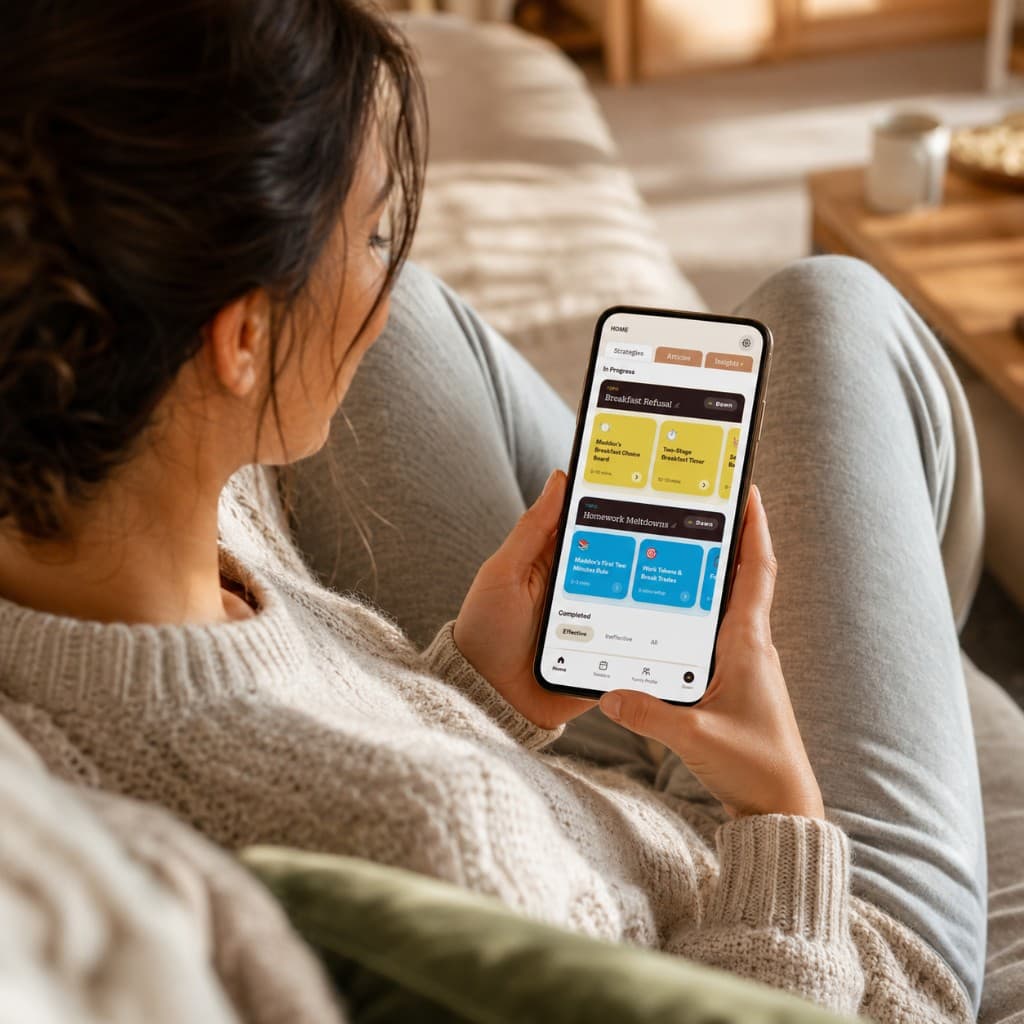
The Mobile App
Kinspire in your pocket, for the moments that don't wait.
The hard moments don't happen at a desk. They happen at 7 a.m., in the car, at bedtime. The Kinspire app keeps Dawn, your Family Profile, and your strategies one tap away — on iOS and Android.
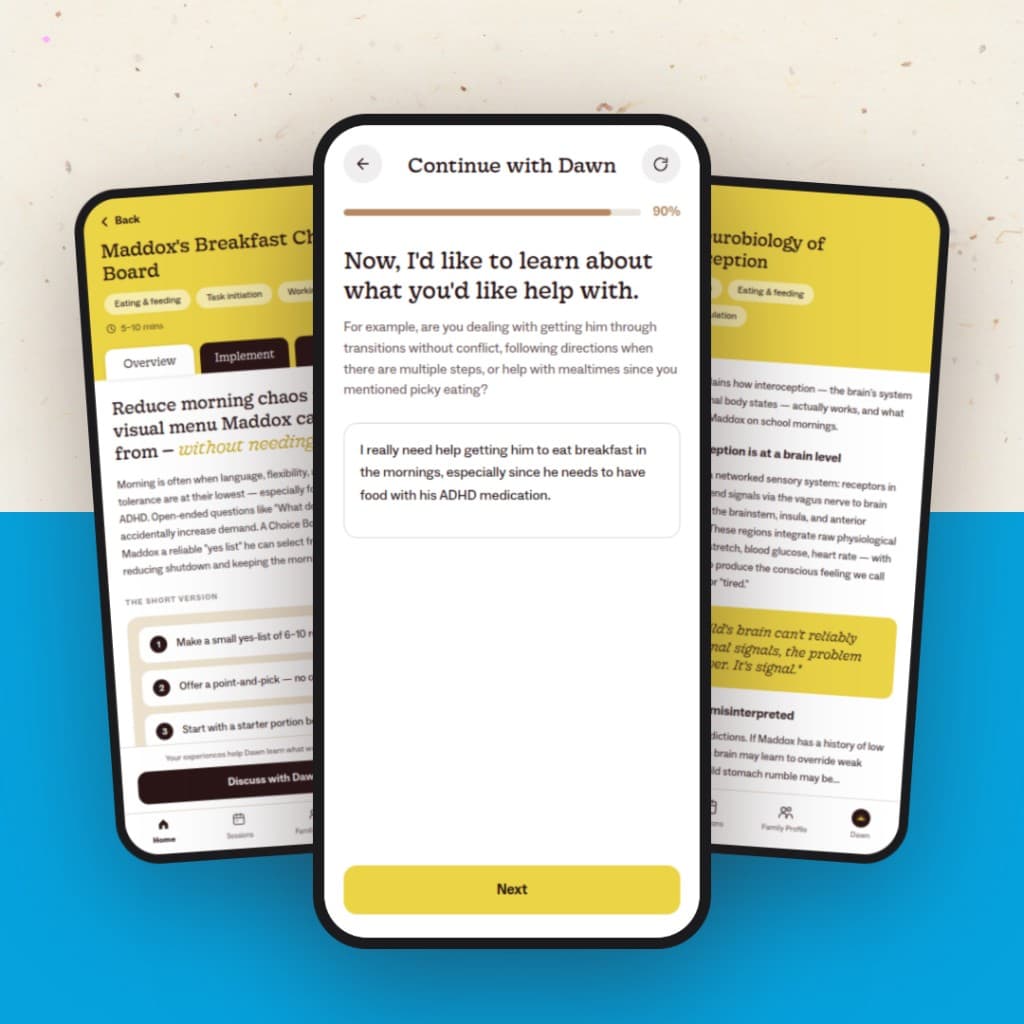
Talk to Dawn anytime, from anywhere.
Open the app and pick up exactly where you left off — Dawn already knows your child's triggers, your home, and what you tried last week.
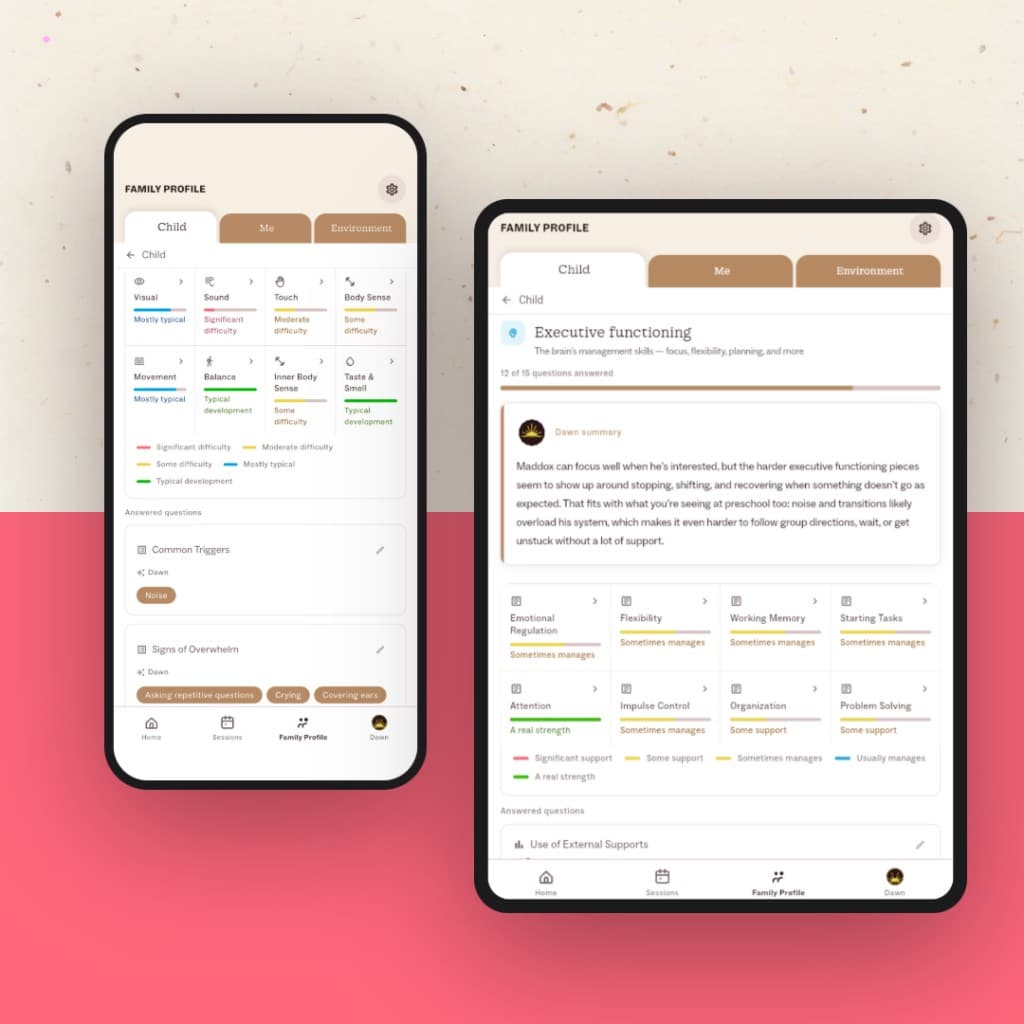
Your Family Profile, always in your hand.
Check in on your child's sensory profile, triggers, and progress the moment you need it — no logging back in from scratch.
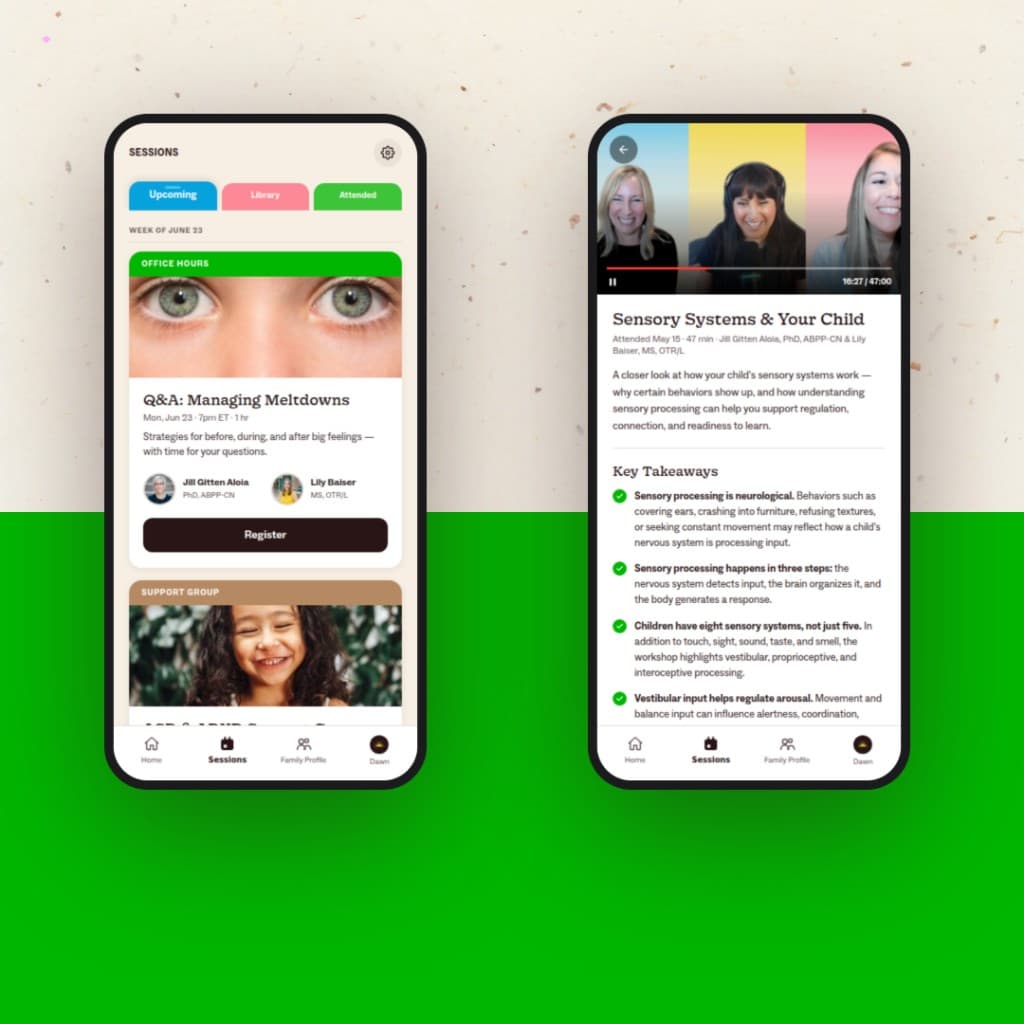
Join a live session on the go.
Hop into an Parenting Workshop, a Community Support Group, or Q&A Office Hours right from your phone — or catch the replay later.

The Web App
Prefer a bigger screen? Kinspire lives there too.
No download required. Sign in at app.kinspirehealth.com and get the full Kinspire experience — right in your browser, on any laptop or desktop.
- ✓Same Dawn, same Family Profile — everything syncs across devices.
- ✓Read articles and strategies comfortably on a larger screen.
- ✓Join live sessions on a bigger screen from your desk after bedtime.
Start free. Grow from there.
Download Kinspire and never start from scratch again.
Free to start. No credit card required. Available on iOS, Android, and the web.